Projects, users & permissions
Projects
A project is Skeyecube's isolation boundary: each one has its own data sources, models, indexes, jobs, and query history, separate from every other project. Administrators create projects from the Projects page; most day-to-day work in modeling and querying happens inside whichever project you're currently in.
Users, groups & project permissions
Accounts and groups are managed from System, which has three tabs: Configuration, User, and Group. Organizing accounts into groups lets you grant a whole team access in one step.
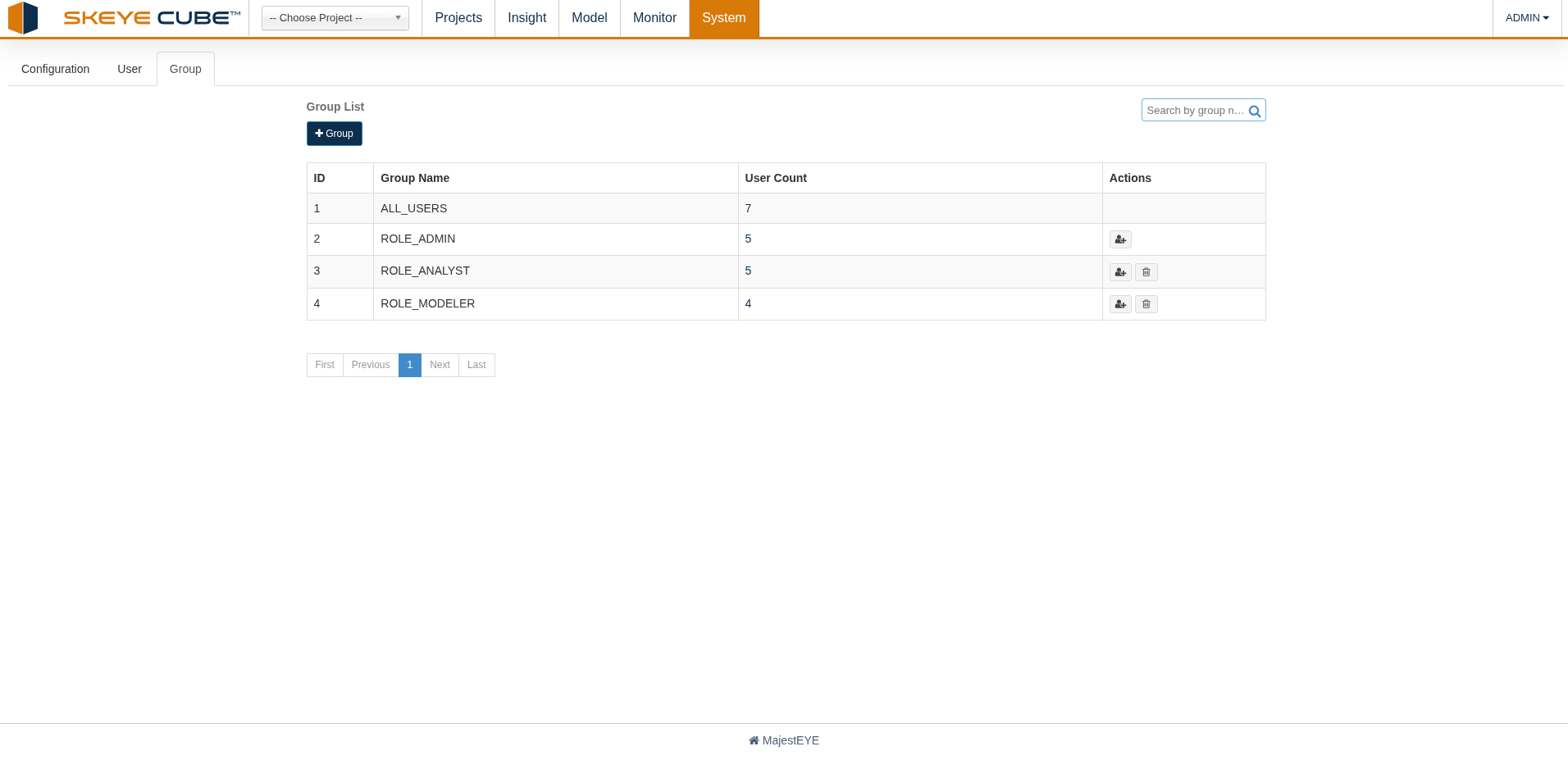
The group list shows each group with the number of users it contains, and lets you create groups,
add users to them, or remove them. Alongside the built-in ALL_USERS group you'll typically see
role-based groups such as ROLE_ADMIN, ROLE_ANALYST, and ROLE_MODELER.
Access to a given project is granted at one of four levels:
| Level | Can do |
|---|---|
| Administration | Everything below, plus manage the project's users, groups, and permissions |
| Management | Connect data sources, build models and indexes, and query |
| Operation | Trigger and manage build jobs and query, without changing model or index design |
| Read | Query only |
Grant these from a project's permissions screen, to individual users or to whole groups.
Monitoring jobs
Monitor > Jobs lists every build job for the current project. Filter by time range and by status — New, Pending, Running, Stopped, Finished, Error, or Discarded — or search by object name to find a specific job. Each status shows a live count, so you can see at a glance whether anything is failing or stuck.
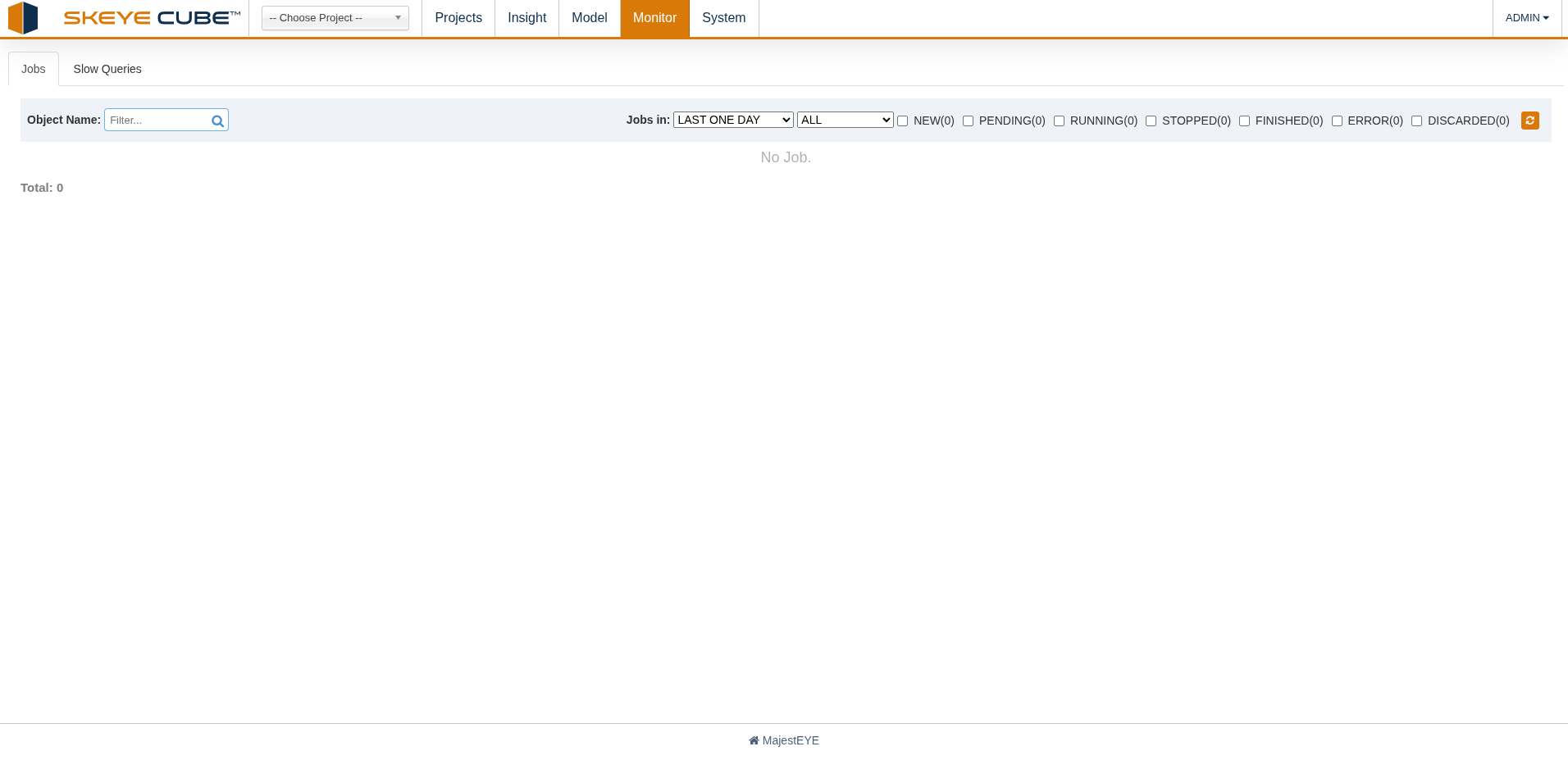
From here you can drill into a failed job's log, or resume and discard jobs, without leaving the browser. The Slow Queries tab beside it surfaces the queries taking longest — a good shortlist of candidates to accelerate with a new index.