Explore the Skeye Gate UI
Sign in
After navigating to Skeye Gate, you land on the sign-in page. Enter your username and password to continue.
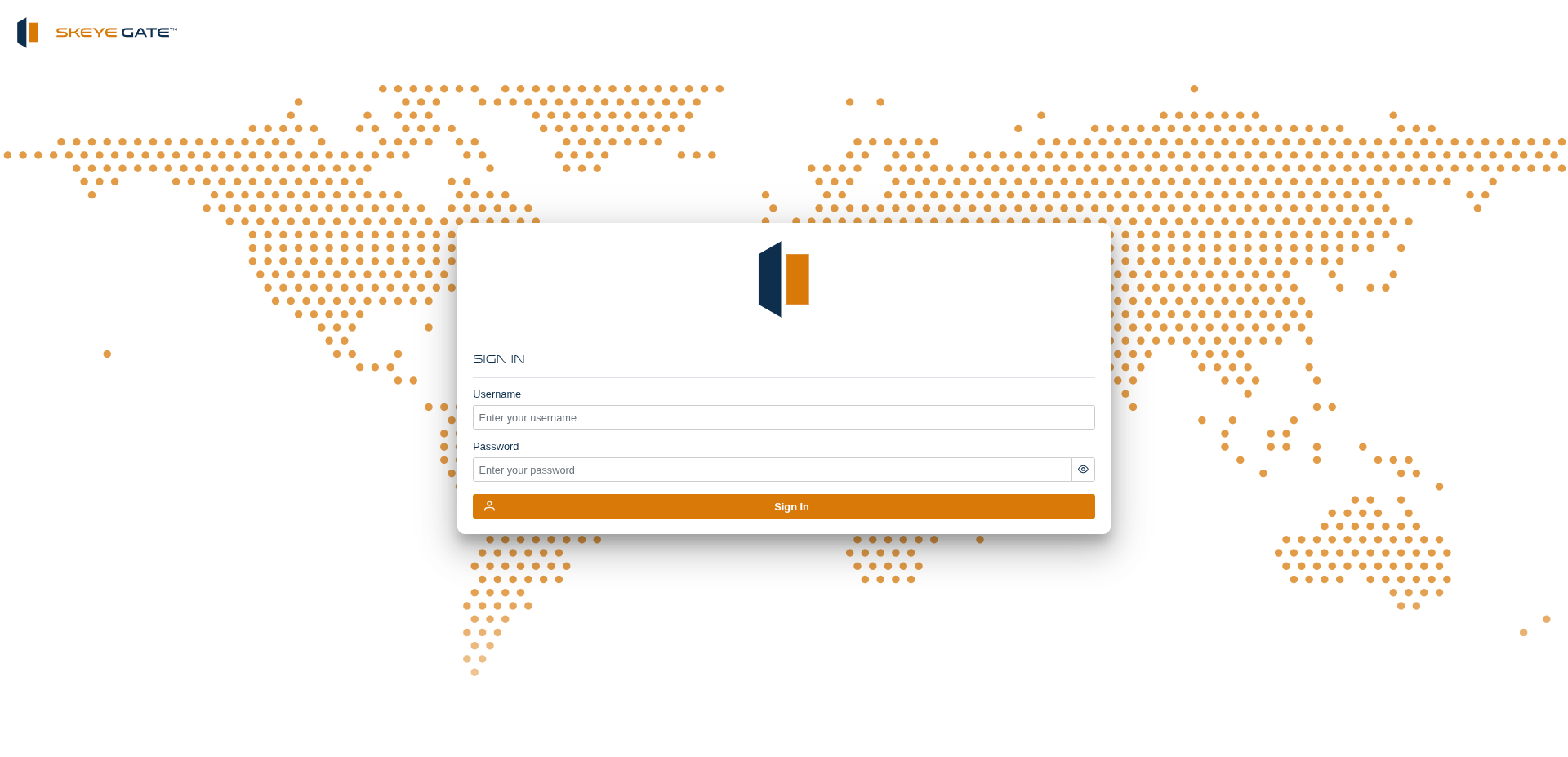
If you were not provided with credentials, contact your system administrator. Once access is granted, you can sign in and reach the modules you're entitled to.
Modules home
After signing in you land on the Modules screen — the launchpad for the whole platform. Modules are grouped into three families you can switch between:
- Skeye — the data factory modules
- Big Data — the underlying big-data services
- Governeye — the data-governance modules
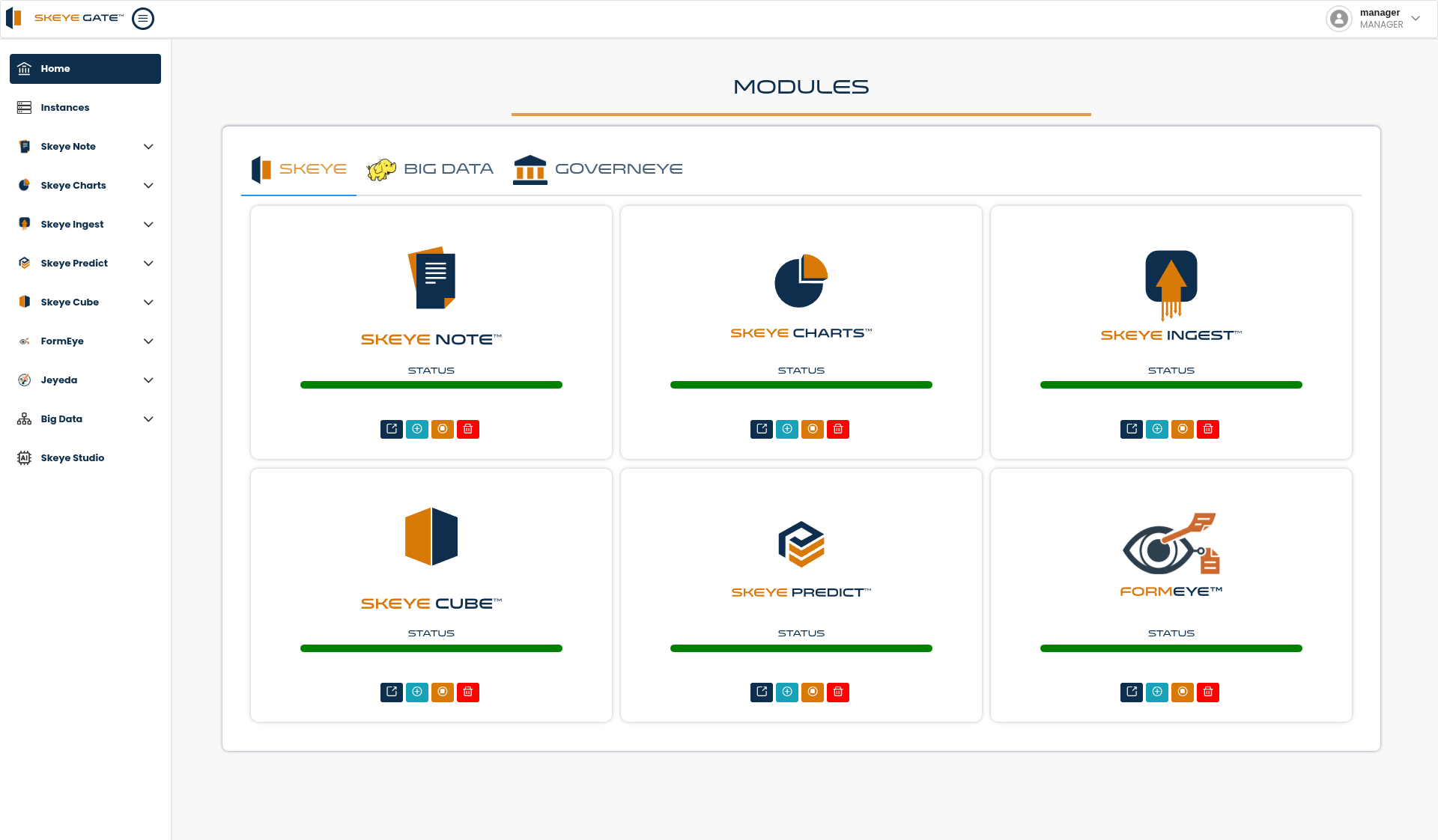
Each module appears as a card showing its name and a status bar, so you can tell at a glance whether it is healthy. The buttons on each card let you open the module and manage its instance.
Navigation
The left sidebar gives you direct access to:
- Home — the modules screen shown above
- Instances — container instances and resource usage (see Instances & monitoring)
- A section per module — expand any module to reach its own options
- Your user menu, in the top-right corner, for account and role information