Connectors
Fahras ingests metadata through a rich set of connectors, so schemas and metadata are collected automatically from the sources you inventory — no manual cataloging required.
Source categories
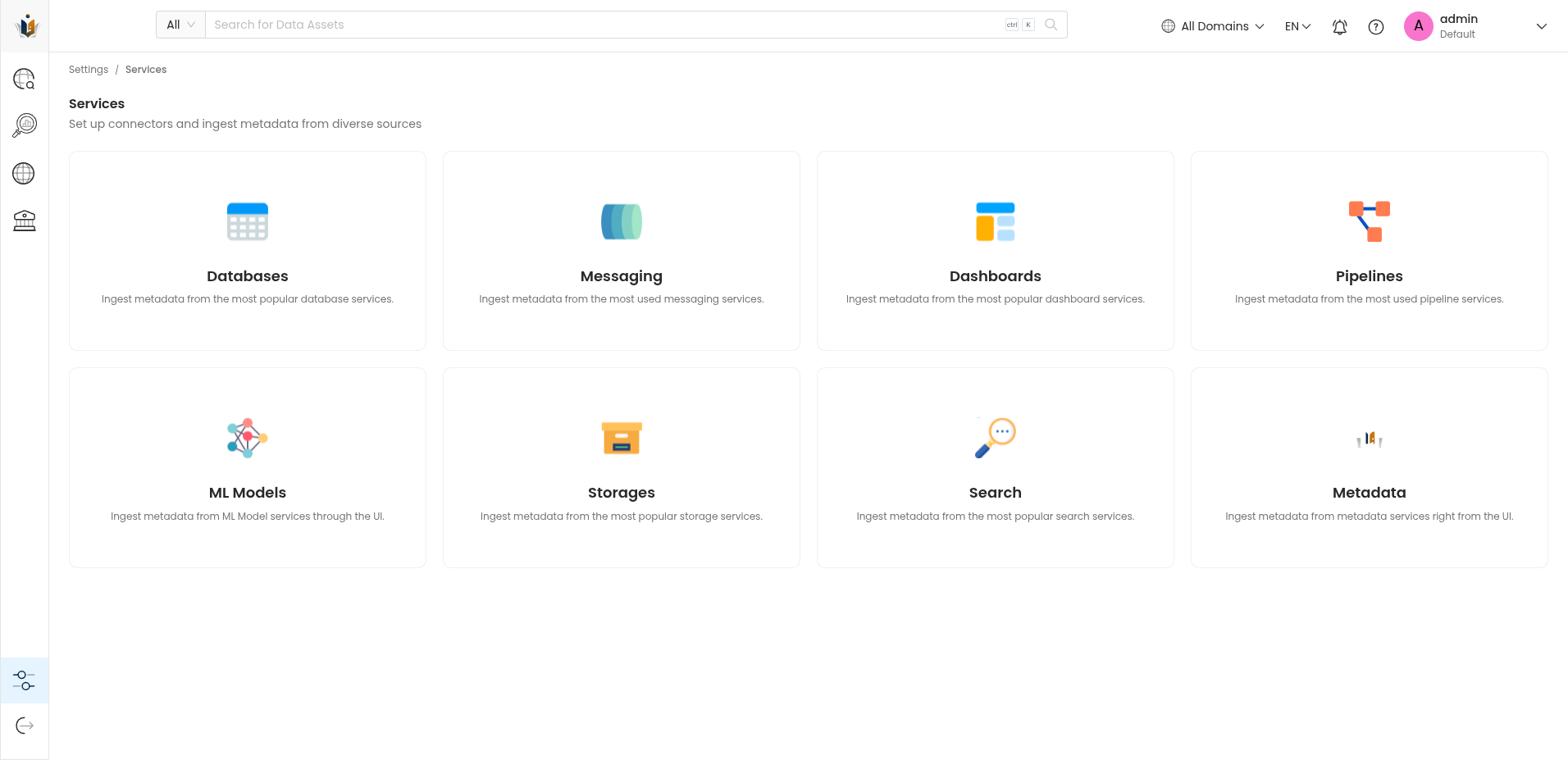
From the Services screen you can set up connectors and ingest metadata from diverse sources:
- Databases — relational and NoSQL database services
- Messaging — messaging and streaming services
- Dashboards — dashboarding and BI services
- Pipelines — data pipeline services
- ML Models — machine-learning model services
- Storages — storage services
- Search — search services
- Metadata — metadata services added directly from the UI
Connecting to a database
Databases are among the most common sources. Fahras ships connectors for the most popular database engines — including Hive, MariaDB, MongoDB, MSSQL, MySQL, Oracle, Postgres, SQLite, SAP HANA, and SAS (beta).
For proprietary or legacy systems that aren't covered out of the box, Fahras also supports a Custom Database connection, so even older or in-house data stores can be brought into the catalog.
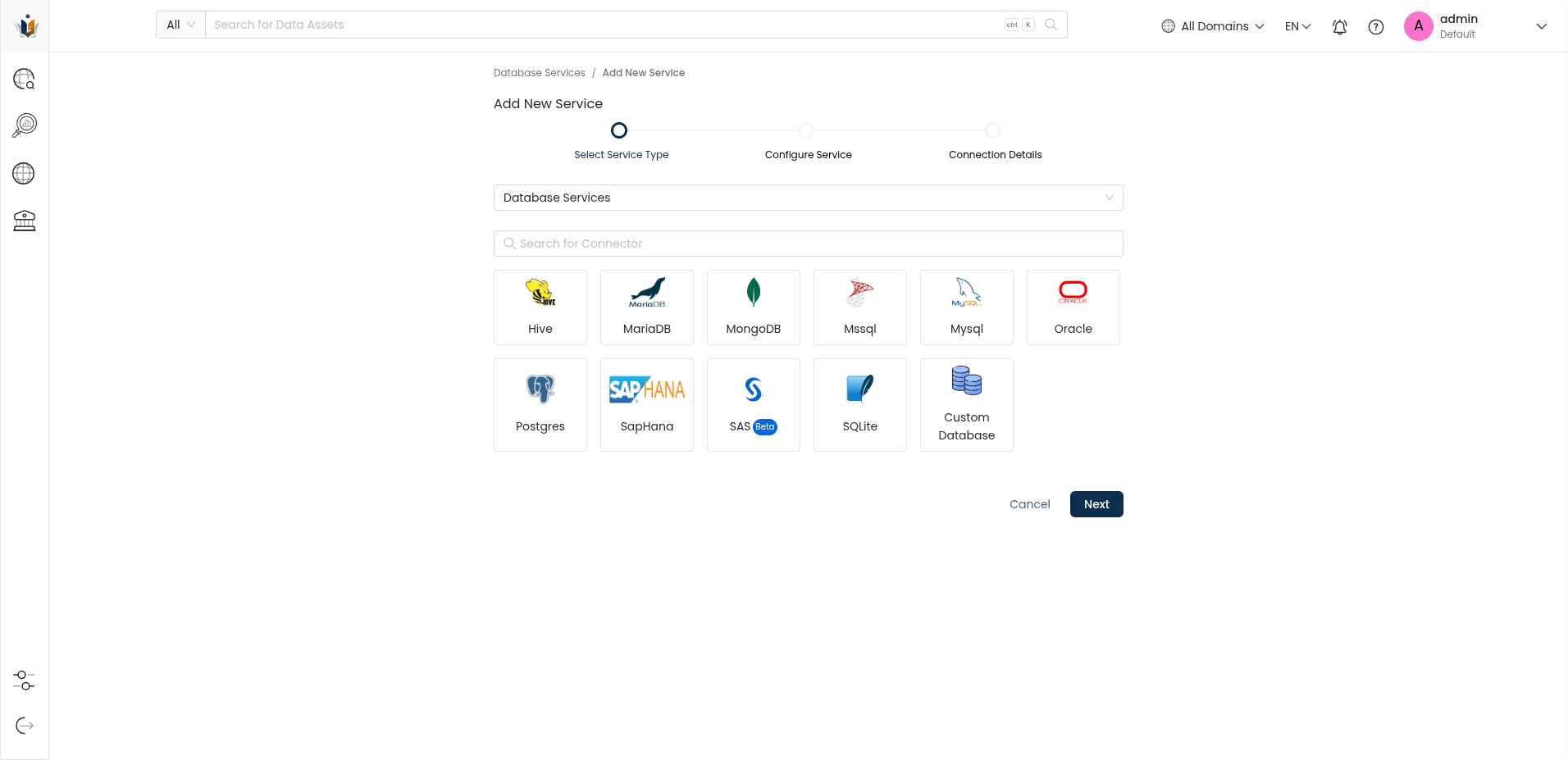
Setting up a connection follows three steps:
- Select service type — pick the source category and engine.
- Configure service — name the service and set its options.
- Connection details — provide host, database, and credentials, then validate.
Once connected, Fahras retrieves the source's schemas and metadata. See Cataloging & annotation for what you can do next.